New Slow-CW Software
QRS Version 1.16
|
Rik Strobbe, ON7YD, has written a Windows program to send extremely slow CW, a mode which has been used with much success on the noisy LF amateur band in Europe. Instead of measuring code speed in words per minute, though, experimenters have been using speeds that translate to minutes-per-word. The resulting very low information bandwidth enables communication under extremely difficult conditions. Of course, bandwidths of a fraction of a Hertz are not practical to copy by ear. Many of our readers are familiar with Richard S. Horne's "Spectrogram" program, which now has provisions for copying extremely narrowband transmissions (see our File Library section), but Rik has devised the first Windows tool for keying QRS transmissions.
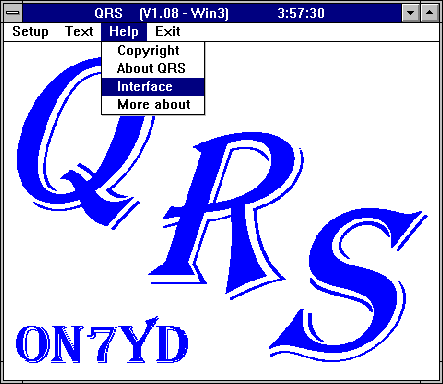
The program is named QRS for the Q-signal indicating to send at a slower speed (and also happily includes Rik's own initials). Speeds are selectable down to 60 seconds per dot. The user can store several text messages for transmission, either repeated a predetermined number of times, or endlessly.
Requires: a regular COM port on a PC-compatible computer, running Windows 3.1 or later; and a simple transmitter interface circuit to handle keying and PTT. The interface diagram is included in the Help section of the program itself. The downloadable QRS.ZIP file (192027 bytes as of 26 Feb. 1999) expands to five files:
- README.TXT - QRS.EXE - QRS.ICO - BIVBX11.DLL An additional file, qrs.set, will be created when you first run the program. You may or may not need to keep the included .dll file, depending on your installation of Windows. Consult the readme.txt file for details. There is no fancy installation required; just run QRS.EXE under Windows 3.x, 95, or 98. (You may choose to create a program item if using Program Manager, or a shortcut if using Windows 95/98.) At the first run you will have to assign a serial port (COM) before you can drive a transmitter. Be sure NOT to assign the same port that your mouse is using! The QRS program is copyrighted freeware, meaning it can be used and distributed freely for non-commercial purposes only. |